

AI CERTS
1 hour ago
Google’s Gemini Arrives: AI Assistant Desktop App for MacOS
Meanwhile, creators generate images through Nano Banana and videos through Veo directly from their timeline. These abilities push the AI Assistant Desktop toward parity with ChatGPT and Claude offerings. However, privacy permissions, subscription tiers, and enterprise controls shape how far adoption will spread. This article unpacks features, pricing, security, and rollout guidance for decision-makers evaluating the release.
Launch Marks New Milestone
Google confirmed the launch through its Workspace Updates blog on release day. In contrast, earlier Gemini interactions demanded a browser or mobile companion. The Native MacOS client therefore ends that dependency for knowledge workers who stay in applications.
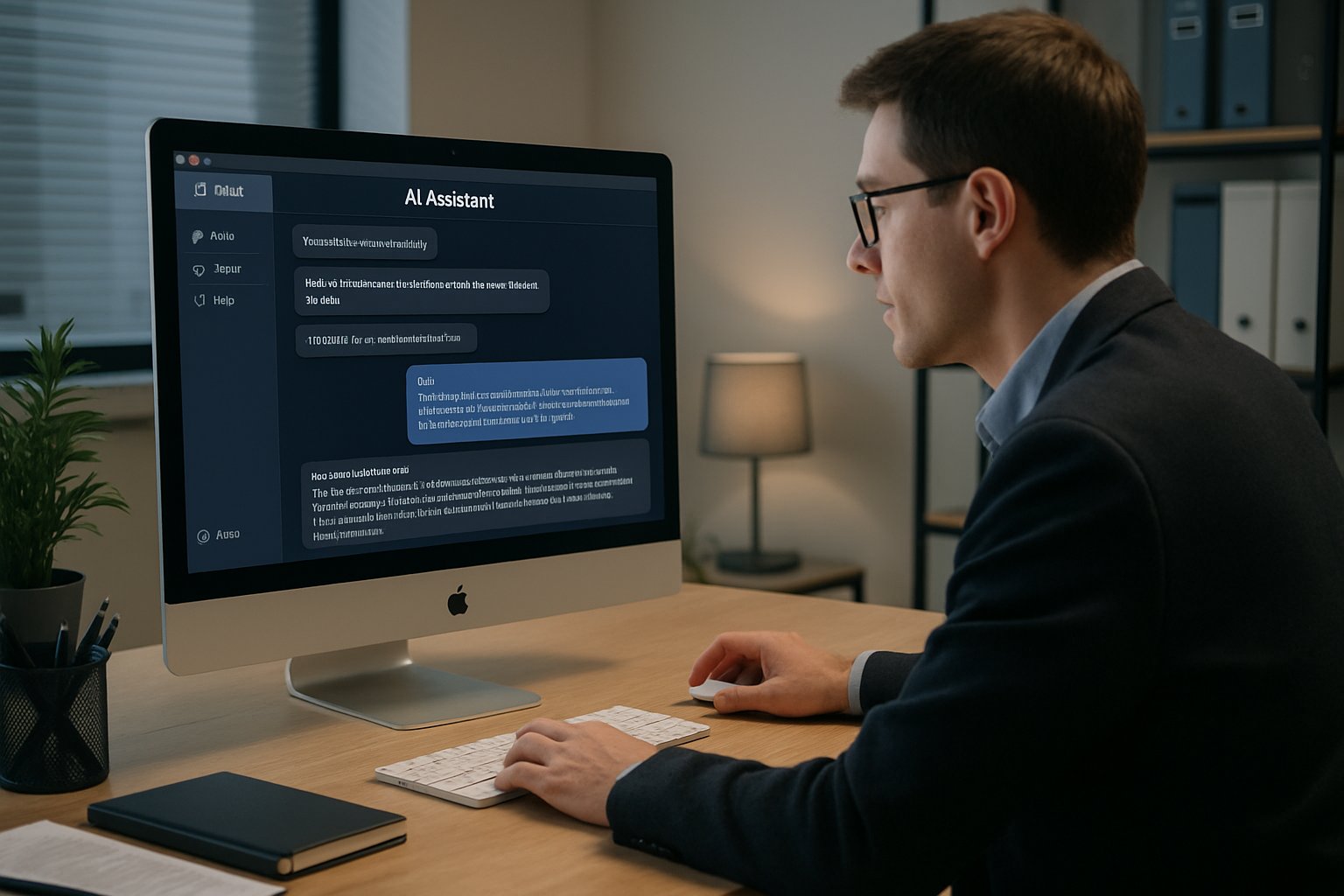
Gemini for MacOS ships as a universal download but executes only on Apple Silicon hardware. Consequently, Intel machines remain unsupported, underlining Google's strategic focus on energy-efficient chips.
Early testers praise the global shortcuts that surface the AI Assistant Desktop in under a second. Nevertheless, some users dislike the default login item behaviour, which developers may tune in later patches.
The Mac launch tightens Gemini's grip on daily workflows. However, capabilities matter more than presence. Therefore, the next section dissects core functions and creative tools.
Core Feature Deep Overview
Gemini embeds multimodal power inside the Mac interface. Moreover, the app sees the active window once users grant Accessibility permission.
Screen context lets analysts query spreadsheets, lawyers summarise contracts, and developers debug code blocks instantly. Meanwhile, memory sync keeps chat history aligned across every signed-in device.
- Nano Banana image generation inside chats
- Veo video drafts up to 60 seconds
- Agents for task sequences and automations
- Deep Research that gathers authoritative citations
- Personal Intelligence using Gmail, Docs, Photos data
These tools move the AI Assistant Desktop beyond simple Q&A toward full creative collaboration. Consequently, designers refine concepts faster after gaining the AI+ UX Designer™ certification.
The feature set rivals competitor deskside assistants. However, budgets can influence access to advanced models. Subsequently, pricing tiers deserve careful inspection.
Subscription Plan Key Details
Google markets three Google AI subscriptions: Plus, Pro, and Ultra. Plus costs roughly $7.99 each month and bundles 200 credits and 200 GB storage. Moreover, Pro jumps to $19.99 for 1,000 credits and 5 TB storage. Ultra, meanwhile, reaches $249.99 and grants 25,000 credits alongside 30 TB storage.
Credits fuel image, video, and Deep Search requests inside the AI Assistant Desktop.
Enterprises using Google Workspace can enable or disable the app through Generative AI admin settings.
Pricing clarity helps finance teams project usage costs. Therefore, security factors come next in evaluation. Consequently, the following section examines privacy controls.
Security And Privacy Focus
In contrast, many security teams question how long content remains on servers. Official help pages state that data trains models only when users opt in. Nevertheless, administrators should review retention policies and regional compliance clauses.
TechRadar researchers also warn about fake MacOS apps impersonating well-known assistants. Therefore, staff must confirm developer certificates and prefer official download links.
The AI Assistant Desktop requests macOS Accessibility permission for context sharing, which administrators should audit.
Vigilance reduces breach likelihood. Meanwhile, market forces pressure vendors to improve transparency. Next, competition dynamics illustrate strategic stakes.
Competitive Market Landscape Context
OpenAI and Anthropic released Native MacOS clients months earlier. Consequently, analysts framed the release as catch-up.
ChatGPT and Claude already integrate offline cache and image tools.
Nevertheless, the AI Assistant Desktop now matches their shortcut approach and adds screen awareness.
Parity shifts buyer considerations. However, IT leaders still weigh admin controls. Subsequently, roll-out strategy becomes critical.
Enterprise Rollout Practical Guidance
Workspace admins can toggle the feature under Generative AI in the Admin console. Moreover, device management policies should limit window sharing to approved applications.
Pilot groups should document how the AI Assistant Desktop affects productivity and data flows. Native deployment packages allow silent installation through MDM, yet testing remains essential.
Structured pilots avoid unpleasant surprises. Therefore, leaders can proceed toward informed adoption. Finally, key insights merit recapping.
Conclusion And Next Steps
April's launch delivered a true menu-bar assistant for Mac professionals. Moreover, the AI Assistant Desktop links multimodal creation, deep research, and personal memory within one pane.
Security vigilance, subscription selection, and measured rollout safeguard enterprise value. Consequently, teams that act early can capture productivity gains and creative momentum.
Professionals ready to design richer experiences should pursue the highlighted certification and continue monitoring feature updates. Explore more AI resources today and keep shaping your AI Assistant Desktop journey.


