

AI CERTS
8 months ago
Microsoft Notepad Adds Generative AI for Write and Summarize
Consequently, a tool known for raw text handling is entering the productivity arms race. However, Microsoft pairs the upgrade with account sign-ins, AI credits, and hardware distinctions. This article unpacks what changed, why it matters, and how professionals should respond. Furthermore, it weighs privacy trade-offs, enterprise support gaps, and future cost questions. Readers will also learn practical shortcuts and certification pathways to stay competitive. Meanwhile, community feedback reveals both excitement and anxiety about Notepad's evolving identity. In contrast, Microsoft insists the update keeps the app light while expanding its usefulness.
Microsoft Notepad Gets AI
The November Insider build delivered the broadest leap in Notepad history. Moreover, the update introduced a Markdown-friendly table toolbar and streaming AI results. Streaming progressively displays generated text, letting users monitor and interrupt output on the fly. Consequently, latency feels lower than previous click-and-wait generations.
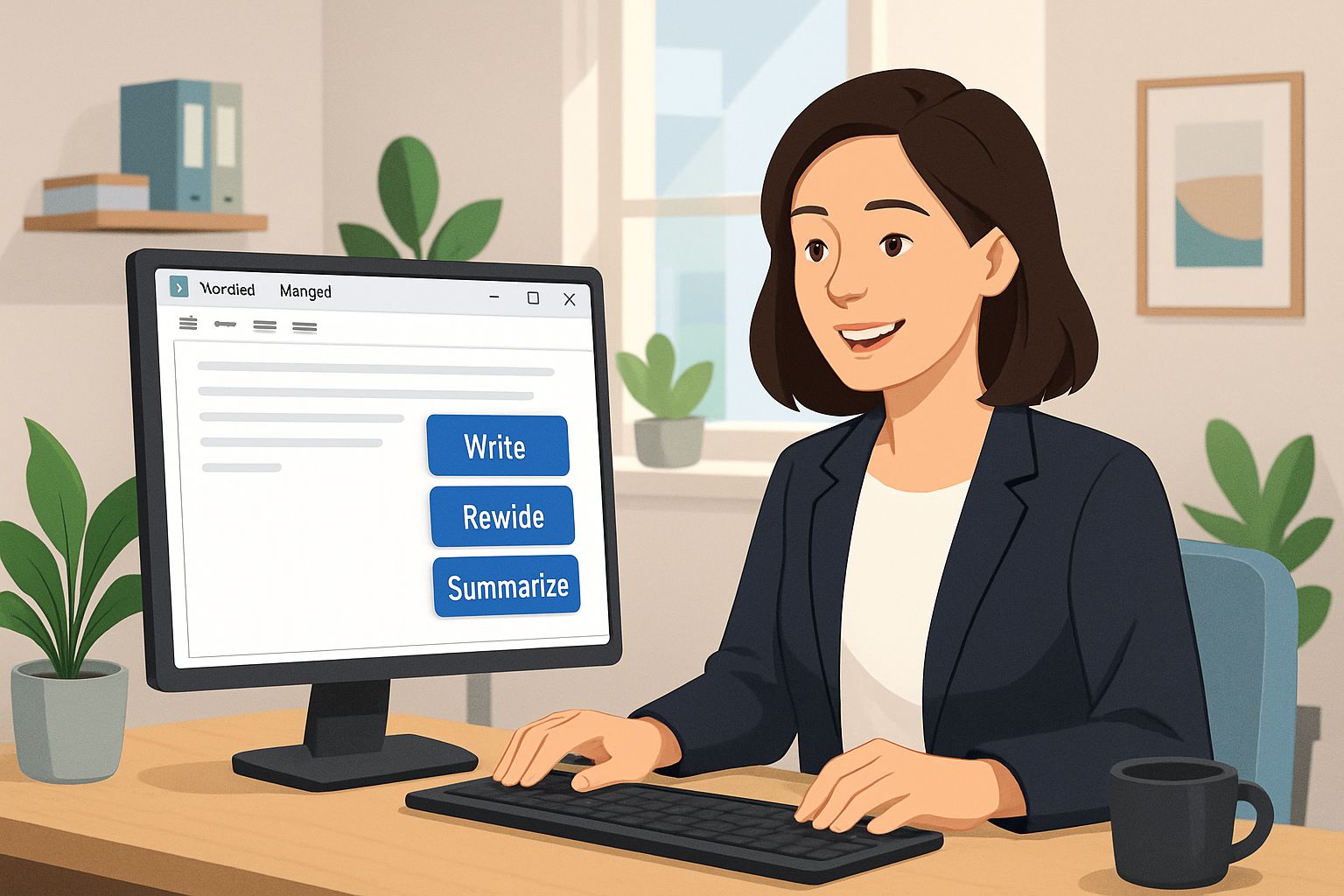
Write now drafts new passages from a simple prompt or selected context. Rewrite offers alternative tones, lengths, or styles without opening another application. Summarize compresses dense notes into concise briefs, aiding quick comprehension. Together, these Generative Features redefine the once minimal workspace. Microsoft Notepad now delivers capabilities once reserved for full word processors.
These additions mark a strategic pivot for Windows default tooling. However, deeper questions about model placement and cost loom large, as the next section explores.
Key Generative Features Explained
For technical teams, Microsoft Notepad acts like a testing ground for mainstream LLM adoption. Understanding individual functions clarifies everyday value. Write consumes a prompt, then outputs up to 1000 words in the document body. Additionally, a right-click shortcut or Ctrl+Q summons the panel instantly. Generated text appears with Keep and Discard buttons, supporting iterative drafting.
Rewrite generates three variants, each toggling tone, length, or formality. Professionals switch between options until the phrasing aligns with brand voice. Meanwhile, Summarize offers three granularity levels: short, medium, and long. Therefore, busy analysts extract executive digests without external tooling.
Notable metrics reveal scale and limitations:
- 60 AI credits monthly for Microsoft 365 Personal or Family subscribers.
- Five-credit warning appears before depletion.
- Copilot+ PCs run AI actions locally with zero credits.
- Features unavailable in China, Macao, and Russia.
Collectively, these figures illustrate Microsoft’s staged distribution strategy. Consequently, user experience depends heavily on hardware class and subscription status. These functional insights ground the hardware discussion that follows.
How To Invoke Tools
Right-click the canvas, choose Write, Rewrite, or Summarize, and keep or discard results in one click.
Local Versus Cloud Models
Model placement defines privacy, latency, and cost. On Copilot+ PCs, the NPU drives on-device inference at more than 40 TOPS. Consequently, Rewrite streaming starts instantly, and text never leaves the machine. In contrast, older hardware sends prompts to Azure, consuming AI credits.
Microsoft stresses that locally handled data is neither stored nor transmitted. Nevertheless, cloud flows trigger corporate compliance questions for regulated industries. Therefore, administrators must audit policy settings within Windows Update rings and Group Policy. Microsoft Notepad offers a toggle between local and cloud in the settings panel.
These processing routes present a clear trade-off triangle: privacy, performance, and capability. Choosing where Microsoft Notepad processes data defines audit complexity for compliance teams. The next section examines how hardware tiers and credit pools intersect with that triangle.
Hardware And Credits Math
Hardware defines default processing mode. Copilot+ laptops ship NPUs tuned for sustained AI throughput. For many professionals, Microsoft Notepad remains the default scratchpad for transient ideas. Moreover, OEMs from Dell to Lenovo support the requirement. Consequently, enterprises planning refresh cycles must check NPU performance, not just CPU.
AI credits add another dimension. Microsoft 365 bundles grant 60 monthly, while Copilot Pro offers higher, unspecified quotas. However, Microsoft has not published a standalone per-credit price. Analysts warn hidden costs could appear once daily usage normalizes.
Decision makers should run a quick feasibility checklist:
- Estimate prompts per employee each day.
- Project credit burn over one quarter.
- Compare device upgrade costs against cloud credit purchases.
- Account for regional availability restrictions.
These calculations reveal whether local hardware or cloud credits yield better return. Subsequently, policy teams can craft adoption guidelines with clear budget boundaries. Cost analysis is only one concern, as cultural resistance also shapes rollout success. The following section reviews community pushback and enterprise risk perceptions.
Enterprise Concerns And Critique
Tech forums quickly questioned Notepad's evolving footprint. Many long-time users call the expansion feature creep. Additionally, security teams fear fresh data-leak vectors via cloud generation. Nevertheless, supporters celebrate simplified content workflows and on-device privacy.
Industry press echoes both positions. The Verge highlighted unclear credit pricing and possible bloat. Meanwhile, Windows Central emphasized productivity gains on Copilot+ devices. In contrast, TechRadar focused on inconsistent experiences across hardware tiers.
Microsoft Notepad sits at the center of this debate because of its historical minimalism. Consequently, change management will require transparent communication and optional disablement paths. Enterprises should draft policies outlining acceptable use, telemetry review, and retention. Professionals can validate skills with the AI Executive Essentials™ certification.
These concerns illustrate that technical capability alone never guarantees adoption. Therefore, practical usage guidance deserves equal attention, as the next section provides.
Practical Tips For Writers
Efficient workflows reduce friction and credit waste. First, pin Notepad to the taskbar for one-click access during research calls. Second, master shortcut keys: Ctrl+Q for Write, Ctrl+D for Rewrite, Ctrl+M for Summarize. Additionally, switch modes in settings to prefer local processing on Copilot+ hardware. When Microsoft Notepad opens, the AI toolbar sits beside familiar icons.
Third, monitor the credit meter at the window bottom. It turns yellow at five credits, signaling time to moderate cloud usage. Fourth, verify generated text against source material to avoid hallucination risks. Consequently, output quality and compliance both improve.
Finally, enable version history in your repository so AI edits remain traceable. Subsequently, collaborate confidently with teammates who prefer raw drafts. Microsoft Notepad will then complement, not replace, specialized authoring suites.
These tips translate flashy features into measurable productivity gains. The conclusion distills the broader strategic implications and next steps.
Conclusion And Outlook
Microsoft’s quiet text editor now stands at the vanguard of desktop generative workflows. Moreover, local processing and cloud credits illustrate Microsoft’s hybrid AI strategy. Nevertheless, hardware gaps, cost opacity, and culture challenges will dictate adoption speed. Professionals who master Write, Rewrite, and Summarize will shorten drafting cycles and sharpen clarity. Meanwhile, keeping an eye on upcoming Windows Update releases ensures continued feature parity. Consider elevating strategic leadership with the AI Executive Essentials™ credential. Consequently, your team will unlock deeper insights and competitive differentiation.
Disclaimer: Some content may be AI-generated or assisted and is provided ‘as is’ for informational purposes only, without warranties of accuracy or completeness, and does not imply endorsement or affiliation.


