

AI CERTS
2 hours ago
Windows 10 End Support: Strategies, ESU, Market Impact
The end-of-life event drives compliance, procurement, and risk conversations across boardrooms and server rooms alike. Meanwhile, analyst data already links the deadline to a revival in global PC shipments. Furthermore, consumer advocates in Europe have pressured the vendor to offer fair Extended Security Updates options.
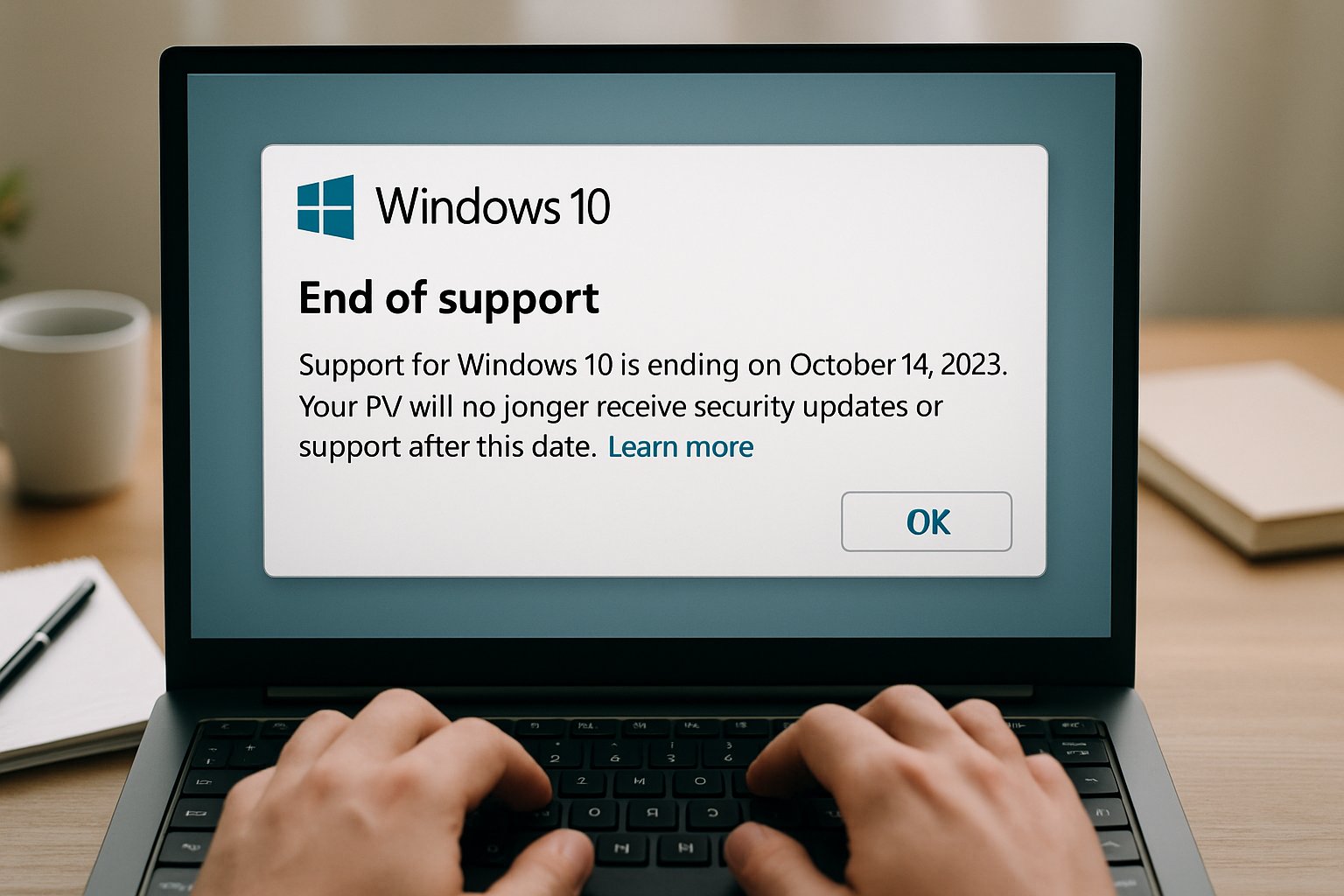
This article explains what the milestone means, why it shapes hardware demand, and how organisations should respond. Along the way, it highlights program details, market statistics, and expert guidance for technology decision-makers. Finally, professionals will see how complementary certifications, such as the AI Prompt Engineer credential, can sharpen migration strategies.
Lifecycle Deadline Looms Near
October 14, 2025 marked the definitive conclusion of free updates for Windows 10. Consequently, Microsoft removed new features, routine patches, and phone support from its public channels. Nevertheless, devices still boot; they simply operate without guaranteed vulnerability fixes.
The vendor communicated the timeline years earlier, yet many organisations postponed action until the final quarter. In contrast, security auditors warned that unsupported software quickly violates regulatory baselines such as PCI DSS. Therefore, chief information officers escalated migration budgets to avoid policy breaches and cyber-insurance penalties.
Analyst firm Gartner summarised the urgency succinctly: the lifecycle clock does not pause for procurement delays. Moreover, Gartner research principal Rishi Padhi linked the deadline to an 8.2% shipment spike during Q3 2025. These signals underscore why decisive planning matters now, before residual risk expands further.
Windows 10 support expiry is no longer theoretical. However, understanding precise implications prepares teams for the next decision layer.
What End Support Means
End Support changes the security calculus overnight. Consequently, attackers can reverse-engineer public patches for newer operating systems and exploit unguarded legacy endpoints. Moreover, vendors stop certifying drivers, leaving peripheral compatibility uncertain.
Financial teams should note hidden costs beyond ransom or downtime. In contrast, compliance audits may impose fines for running unpatched environments, particularly within healthcare or payment sectors. Meanwhile, software suppliers may refuse warranty claims when unsupported operating systems host their applications.
End Support also affects feature evolution. Therefore, browser versions, management agents, and collaboration clients gradually drop legacy support, eroding user experience. Such decay often forces hurried migrations, which amplify misconfiguration risks.
The End Support milestone introduces escalating technical, legal, and financial liabilities. Subsequently, Extended Security Updates emerge as a temporary safety net worth exploring.
Extended Security Updates Explained
Extended Security Updates, or ESU, represent Microsoft's paid patch subscription for post-lifecycle customers. Consumers have three routes: a free enrolment tied to cloud sync, a $30 purchase, or Rewards redemption. Coverage delivers critical security patches until October 13, 2026 for consumers, and up to three years for enterprises.
Commercial buyers purchase ESU yearly through volume licensing or cloud solution partners. Consequently, IT teams can stagger hardware refreshes while retaining supported status. Nevertheless, ESU offers no new Windows 10 features, phone support, or performance optimisations.
Analysts urge treating ESU as a short bridge, not a permanent strategy. In contrast, they recommend combining ESU with disciplined asset inventory and pilot upgrades. Professionals can sharpen planning via the AI Prompt Engineer™ certification, which strengthens automation scripting skills.
- Free enrolment via account sync (regional conditions apply)
- One-time $30 purchase through Store
- Redeem 1,000 Rewards points
- Enterprise volume licensing, renewable yearly for up to three years
ESU buys precious time yet imposes ongoing fees and management overhead. Therefore, organisations must weigh upgrade paths and eligibility hurdles next.
Upgrade Paths And Hurdles
The preferred route remains an in-place upgrade to Windows 11. However, strict hardware requirements block many Windows 10 systems lacking TPM 2.0 or modern CPUs. Consequently, administrators first run the PC Health Check utility to assess eligibility.
When devices fail checks, leaders choose between ESU, hardware refresh, or virtualised alternatives such as Windows 365 Cloud PC. Moreover, Windows Autopatch and Intune streamline mass deployments by orchestrating staged rings and rollback safeguards. Nevertheless, network readiness and legacy application compatibility still demand rigorous testing.
Some organisations adopt phased refreshes aligned with existing depreciation schedules to spread capital expenditure. In contrast, others seize the moment to pilot AI-accelerated laptops promoted by OEMs. Either way, each step should keep Windows 10 exposure minimal during the transition period.
Upgrade planning must balance budget, security, and user experience. Subsequently, market data reveals how these decisions already influence global supply chains.
Market Impact So Far
Gartner reported 69.9 million PC shipments in Q3 2025, up 8.2% year over year. Furthermore, the analyst credited the Windows 10 deadline as a primary catalyst for renewed demand. IDC noted a similar 9.4% surge, citing the same driver plus appetite for AI-capable devices.
Enterprise Hardware Refresh Drivers
StatCounter numbers show Windows 11 reaching 53.8% desktop share by November 2025. Meanwhile, Windows 10 still holds 42.6%, indicating residual inertia despite the End Support clock. Steam Hardware Survey shows even faster adoption among gamers, with Windows 11 topping 63%.
OEMs like Lenovo, HP, and Dell told investors the deadline pulled refresh demand forward into 2025. Moreover, channel partners see increased interest in trade-in and recycling programs to offset e-waste concerns. These metrics illustrate tangible economic ripples across manufacturing, logistics, and support ecosystems.
The data confirms lifecycle events quickly translate into hardware sales and market share shifts. Nevertheless, leadership still needs actionable guidance to navigate the remaining migration window.
Strategic Takeaways For Leaders
Boards must treat lifecycle management as an enterprise risk category, not merely an IT chore. Consequently, assigning executive sponsorship accelerates funding decisions and cross-functional coordination. Furthermore, leaders should create dashboards tracking Windows 10 coverage, ESU usage, and upgrade velocity.
Procurement teams can negotiate bundle discounts on new devices, peripherals, and support services during vendor promotions. In contrast, cybersecurity owners must define hard deadlines that disable unsupported assets automatically. Meanwhile, sustainability officers can integrate recycling incentives to address e-waste critiques.
Training remains another pillar. Therefore, staff should pursue modern management skills, automation techniques, and cloud fundamentals. The AI Prompt Engineer™ certification equips teams to script migration tasks efficiently.
Effective governance blends technology, finance, security, and sustainability considerations. Consequently, organisations that execute early will reduce risk and capture productivity gains.
Windows 10 has reached its final chapter, yet many pages remain unwritten for enterprise planners. However, clear options exist, from free ESU enrolment to full hardware refresh. Market evidence shows that timely action can unlock cost savings and improved employee experience. Moreover, adopting disciplined lifecycle governance shields organisations from compliance fines and cyber threats. Professionals who build automation skills, including the AI Prompt Engineer™ program, will steer smoother migrations. Explore the highlighted resources and start crafting a secure path beyond End Support today.


