

AI CERTs
2 hours ago
Microsoft’s Agent Mode Brings Copilot Automation to Desktop Excel
Microsoft has finally brought Agent Mode to desktop Excel. The January 27 release fulfills a promise made during the 2025 preview. Consequently, Windows users gain direct multi-step automation without leaving the familiar grid. Meanwhile, Mac support will follow within days, according to Microsoft’s product blog.
Agent Mode extends Copilot beyond chat into fully agentic workflows inside Excel. It plans tasks, edits sheets, validates results, and shows every action. Therefore, analysts experience heightened Productivity when drafting complex financial models. This article examines the rollout, benchmarks, licensing nuances, governance needs, and future roadmap.
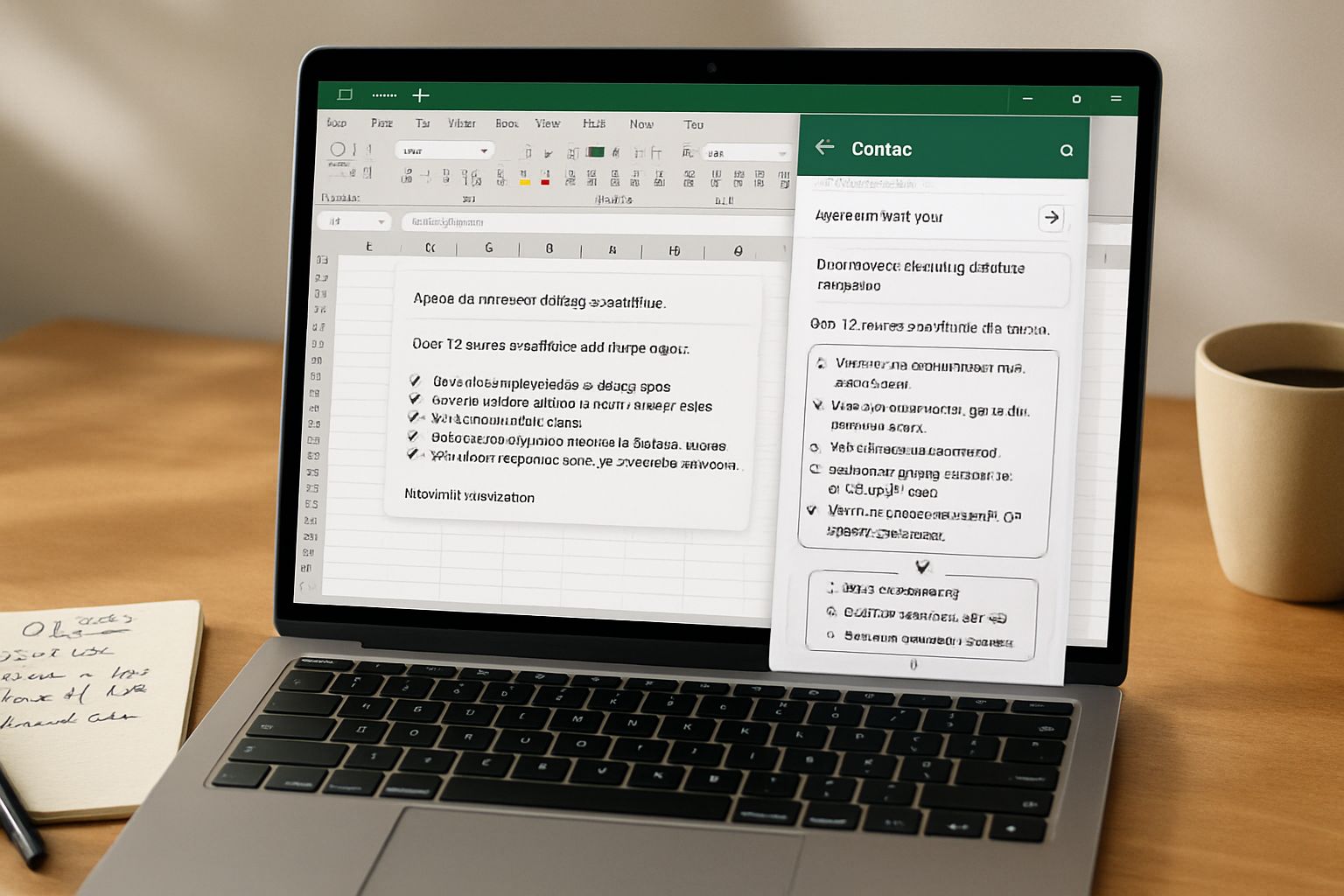
Agent Mode Elevates Excel
Agent Mode transforms spreadsheet creation from manual clicks into planned sequences. Furthermore, the agent decomposes a prompt into formulas, charts, and styling decisions automatically. Microsoft calls the philosophy “vibe working,” echoing similar agent trends in coding. Sumit Chauhan claims the feature makes board-ready work possible within minutes. The agent operates directly within the Excel interface, not a separate chat pane.
However, the agent never hides its reasoning. Each executed step appears as a sidebar timeline, enabling quick audits. Consequently, finance teams can trace changes before signing off. These design choices target regulated sectors that demand transparency.
Agent Mode delivers visible, iterative automation and transparent planning. The experience promises faster sheet assembly without sacrificing control. Next, we assess how accurately the agent performs today.
Benchmarking Early Accuracy Gaps
The benchmark focuses on real-world Excel tasks from users. Microsoft publicly evaluated the feature on the open SpreadsheetBench benchmark. The agent achieved 57.2 percent accuracy across 912 challenges. In contrast, human testers scored roughly 71.3 percent on the same suite. Therefore, expert review remains mandatory for high-stakes models.
Nevertheless, Agent Mode outperformed several competing spreadsheet agents listed on the leaderboard. Additionally, the company reports steady monthly improvements as models retrain on anonymized feedback. Early adopters confirm time savings even when corrections are needed. Yet they warn that formatting sometimes requires manual polish for client presentations.
- 57.2%: Agent Mode benchmark accuracy.
- 912 tasks: SpreadsheetBench total challenges.
- 71.3%: Human baseline reference score.
Benchmarks show promising speed but clear accuracy gaps versus experienced users. Human oversight therefore stays crucial when stakes are significant. Licensing determines who can test the agent next.
Licensing And Regional Caveats
Agent Mode now ships in Excel for Windows with immediate availability. Mac versions started rolling out and should finish within days. Moreover, the web edition has been generally available since December 2025. Commercial Microsoft 365 Copilot holders get access automatically, according to the blog.
Personal, Family, and Premium subscribers also qualify under Microsoft’s AI credits scheme. However, EU and UK consumers must wait as regional compliance work continues. Consequently, enterprises should validate availability before promising timelines to stakeholders. Admins may also need to enable Anthropic models within tenant settings.
Availability spans web and desktop, yet regional exclusions persist for some consumers. Admin toggles influence model options and data routing choices. Governance considerations emerge alongside these licensing complexities.
Governance And Risk Controls
Data governance remains paramount whenever AI edits financial workbooks. Therefore, Microsoft exposes step logs that integrate with Purview audit pipelines. Additionally, organizations can restrict external model calls through policy controls. Nevertheless, sensitive data classification should precede any agent usage in Excel.
Experts advise keeping a human reviewer in the approval chain for regulatory sheets. In contrast, low-risk dashboards may allow lighter oversight after testing. Companies should document validation procedures and error thresholds before deployment. Professionals can strengthen governance acumen via the AI Policy Maker™ certification.
Strong policies, audit trails, and trained staff mitigate spreadsheet risk. Certification paths can reinforce those capabilities across teams. Attention now turns toward Microsoft’s roadmap and unanswered questions.
Future Roadmap And Questions
Microsoft has not published adoption metrics specific to the agent. Consequently, analysts await numbers showing enterprise traction and error rates within Excel. Furthermore, customers seek clarity on upcoming improvements to formatting quality. The company targets iterative model upgrades that should close the benchmark gap.
Meanwhile, SpreadsheetBench authors suggest additional tasks covering complex macros and real-time feeds. Such expansions could better reflect financial reporting scenarios faced by auditors. Additionally, stakeholders question when EU consumer access will reach parity. Microsoft promises updates during its next quarterly Copilot briefing.
Roadmap signals continued accuracy and coverage gains over coming quarters. However, verification of adoption and governance progress remains pending. Users can still realize immediate benefits with disciplined approaches.
Maximizing Personal Productivity
Individual analysts report notable Productivity gains despite accuracy limitations. Moreover, time to build dashboards drops from hours to minutes in pilot tests. Users recommend starting with clear outcome prompts and smaller data sets. Subsequently, extending tasks gradually helps calibrate agent behavior and limits surprises.
A simple checklist accelerates success.
- Define outcome in one sentence.
- Provide structured data tables upfront.
- Review each agent step before committing.
These steps preserve control while unlocking Excel speed. Practical discipline maximizes Productivity and minimizes rework. Iterative scaling ensures predictable, auditable results. The following conclusion distills the article’s key insights.
Desktop access marks an important milestone for Agent Mode within Excel. Therefore, millions of spreadsheet professionals can now experiment within native environments. Benchmarks indicate speed advantages, yet accuracy still trails experienced humans. Governance frameworks and certifications will help organizations balance ambition with caution. Meanwhile, upcoming updates promise stronger formatting and regional availability growth. Consequently, forward-looking teams should pilot workflows and capture metrics today. To deepen policy expertise, consider the linked AI Policy Maker™ program. Adopt the agent, measure results, and expand confidently as the technology matures.


