

AI CERTs
2 hours ago
How the AI UX Designer Elevates Digital Accessibility
Design teams feel mounting pressure to build accessible products. Consequently, many professionals now look to the AI UX Designer role for relief. Modern AI assistants can draft alt text, flag contrast issues, and surface errors inside familiar design tools. However, persistent WebAIM data shows 94.8% of top sites still fail basic WCAG tests. Moreover, regulators have begun policing inflated automation claims. This article explores the landscape, separates hype from reality, and offers actionable guidance.
Persistent Accessibility Error Gap
WebAIM’s 2025 Million report revealed an average of 51 detectable errors per homepage. Furthermore, low contrast and missing alt text remain the leading faults. These numbers illustrate a stubborn quality gulf despite recent investment. In contrast, vendors argue their AI systems will soon close that gulf. Yet automated tools historically catch only 30–60% of issues. Therefore, manual validation and lived Experience testing stay critical.
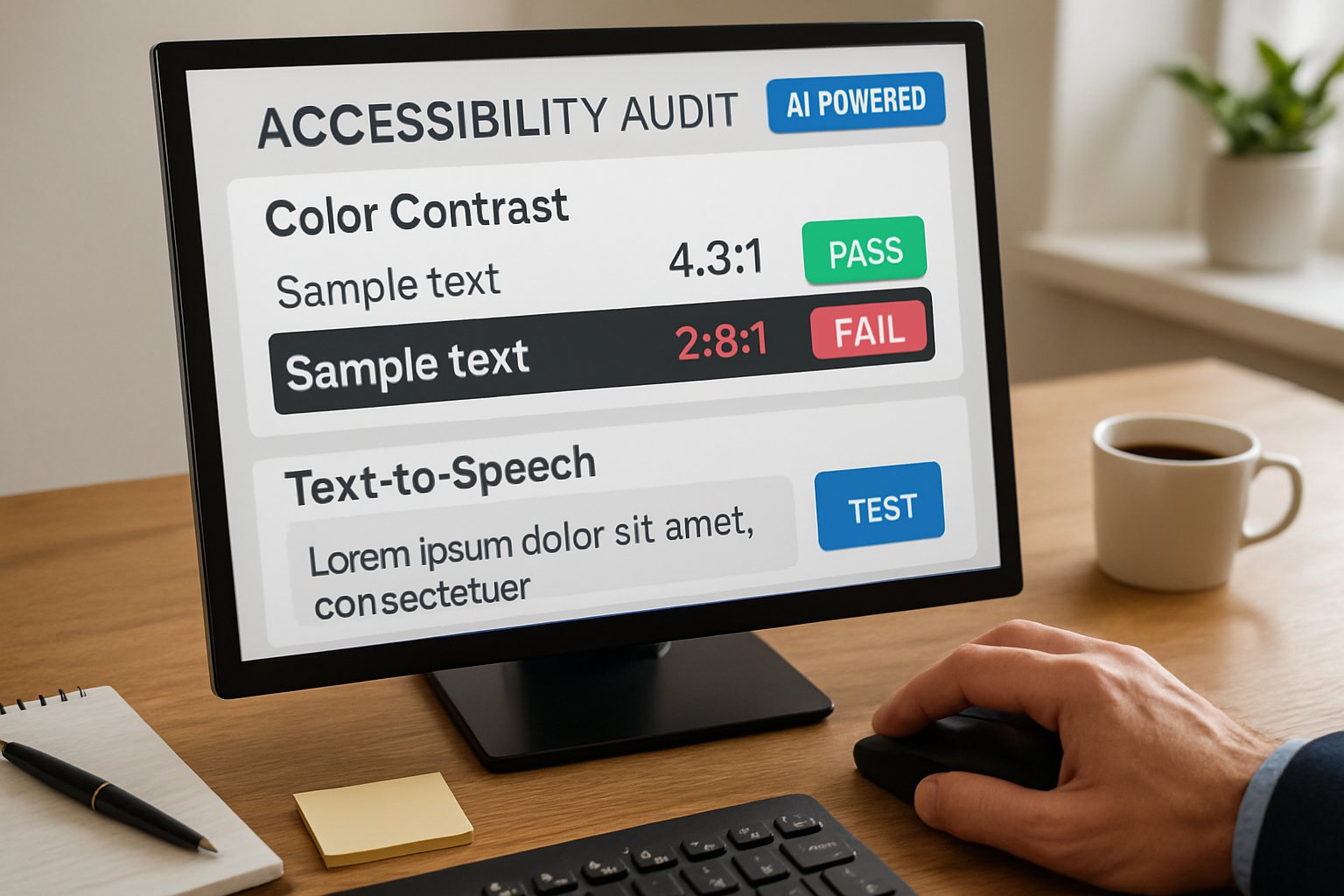
Key industry statistics highlight the urgency:
- 94.8% of leading pages contain at least one WCAG 2 failure.
- Six common error categories cause most barriers.
- Deque claims new AI rules increase automated coverage by 10%.
These numbers confirm ongoing risk. Nevertheless, they also frame a measurable target for continuous improvement.
The stubborn gap underscores why proactive design action is vital. Meanwhile, new shift-left tools promise earlier detection.
Shift-Left AI Tool Surge
Designers now receive accessibility feedback before a single line of code ships. BrowserStack and Stark deliver Figma plugins that highlight colour contrast and predict focus order. Moreover, Stark’s Sidekick drafts image descriptions directly within the canvas. One AI UX Designer at a fintech firm says these prompts save hours each sprint. Additionally, IDE integrations push the same checks into developer workflows, maintaining context across the product flow.
Stark, BrowserStack, and Deque emphasise Inclusivity by embedding analysis where creators already work. Consequently, teams avoid the expensive late-stage rework that once plagued accessibility programs.
Early tooling proves valuable. However, testing breadth still matters. The next section reviews how coverage is expanding.
Testing Coverage Advances Quickly
Deque’s axe DevTools uses computer vision and NLP to spot unlabeled interactive elements. Similarly, Google’s Lighthouse 13 surfaces AI-guided Insights within Chrome DevTools. Consequently, detection moves beyond simple DOM heuristics. Microsoft’s Forrester-backed survey found 66% of users would adopt assistive tech more if AI improved it. These gains show practical momentum.
Despite progress, accuracy limits persist. Generated descriptions can misinterpret context, hurting user Experience. Therefore, the most effective workflow keeps humans in the loop. Many organisations document this hybrid approach through internal Research studies to prove effectiveness.
Improved coverage reduces unseen problems. Yet some vendors still market one-click fixes, raising legal alarms.
Overlay Compliance Claims Scrutinized
Regulators have intensified oversight of overlay marketing. In 2025, the FTC fined accessiBe one million dollars for overstated compliance promises. Moreover, lawsuits continue despite overlay adoption, exposing companies to risk. Consequently, accessibility leaders warn clients to remediate source code instead of injecting scripts.
Automated overlays may smooth the Interface for some users. Nevertheless, they can break keyboard focus or mislead screen readers. Disability advocates cite these failures as evidence that overlays threaten Inclusivity.
Legal action shifts boardroom attention toward verifiable fixes. Therefore, human oversight remains central, as the next section details.
Human Oversight Remains Critical
AI suggestions accelerate mundane tasks, yet nuanced decisions demand expertise. Alt text must match intent, cultural nuance, and brand voice. Additionally, colour choices affect cognitive load. Practitioners rely on lived Experience and user Research to validate output. Consequently, mature teams embed accessibility specialists within sprints.
Professionals can deepen skills through the AI Accessibility Strategist™ certification. Furthermore, guidelines emphasise pairing automated checks with assistive-technology sessions. In contrast, skipping manual review risks reputational damage.
Human-in-the-loop governance secures quality. Next, the article provides a concise action checklist.
Action Guide For Designers
Follow this roadmap to integrate AI responsibly:
- Add Figma plugins for contrast checks, alt-text drafts, and focus annotations.
- Integrate axe or Lighthouse into CI for continuous scans.
- Schedule screen-reader walkthroughs for critical flows.
- Document remediation tasks and store audit logs.
- Train staff with certified programmes and refresh Interface guidelines annually.
This checklist embeds accessibility into agile processes. Moreover, it positions an AI UX Designer as a catalyst for sustainable Inclusivity.
Practical steps translate strategy into everyday behaviour. Finally, we examine future trends and wrap up.
Conclusion And Next Steps
Accessibility remains a moving target. However, shift-left AI tools, expanding test coverage, and stronger governance offer real progress. An AI UX Designer can harness these advances to cut errors early, boost user Experience, and maintain legal confidence. Nevertheless, human insight, empirical Research, and genuine empathy must steer every decision. Organisations investing in skill growth, such as the linked certification, gain a decisive edge.
Adopt the outlined practices today. Consequently, your products will become more inclusive, compliant, and competitive.


