

AI CERTS
3 months ago
Google’s Gemini CLI boosts Open Source Tools
Furthermore, the project welcomes community contributions through a very active GitHub repository. Consequently, professionals are asking what this means for everyday Developer workflows, security posture, and market competition. This article examines the release, evaluates feature depth, unpacks early security lessons, and outlines implementation guidance. Throughout, we highlight where Open Source Tools add value and where caution remains essential.
Gemini CLI Launch Context
The CLI agent arrived after months of speculation about Google's next developer move. The announcement appeared on the official Google Developers blog. Moreover, it confirmed immediate availability under the permissive Apache-2.0 license.
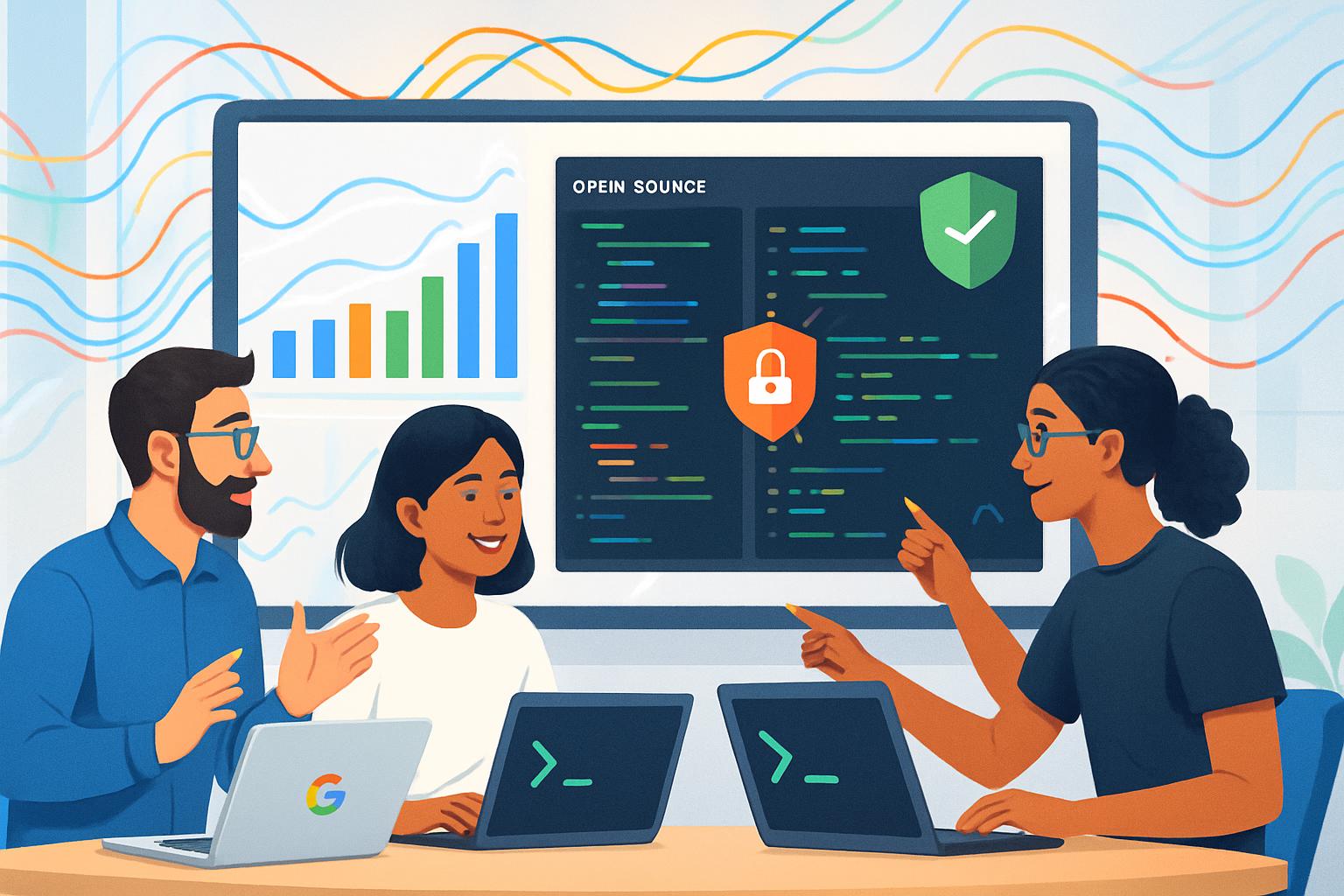
The launch bundled several Open Source Tools components, including a search-grounding utility, file operations, and shell execution helpers. Additionally, it shipped first-class support for the Model Context Protocol, letting agents fetch structured context from external services. Therefore, developers can run multistep tasks without leaving the Terminal.
Google's preview quotas are unusually generous. Personal accounts receive up to 60 requests per minute and 1,000 requests daily. Consequently, experimentation rarely hits rate limits during normal Coding sessions.
These factors created strong first-week adoption. Meanwhile, community engagement continues growing through pull requests and issue discussions. This momentum sets the stage for a closer feature inspection.
Key Features For Developers
The CLI agent focuses on practical productivity boosts. Most features surface through simple natural-language prompts. However, the agent then decides whether to call internal tools or external APIs.
- Search grounding aligns answers with real-time Google Search results.
- File operations let the agent read, write, and refactor large repositories.
- Shell commands execute within a controlled sandbox for quick script prototyping.
- The 1 M-token context window supports entire monorepos without chunking.
- MCP adapters integrate bespoke knowledge bases for domain-specific tasks.
Furthermore, integration happens entirely inside the Terminal, preserving existing Developer muscle memory. Consequently, context switching drops sharply compared to browser-based IDE assistants.
Because the project embraces Open Source Tools principles, users can audit code paths and propose enhancements. Moreover, Apache-2.0 licensing simplifies commercial redistribution within internal platforms.
These capabilities translate into tangible time savings during peer reviews and CI troubleshooting. In contrast, certain capabilities introduce fresh security considerations that deserve equal attention.
Security Lessons And Risks
Powerful agents create attractive attack surfaces. Early researchers exploited prompt chains to trigger hidden shell execution within the CLI agent. Subsequently, Google addressed the P1 vulnerability in version 0.1.14.
Nevertheless, the episode highlights ongoing diligence requirements. Prompt injection remains a moving target as LLMs gain broader tool access. Therefore, teams should combine updates with environmental hardening.
- Apply the latest patch and verify version numbers.
- Run the agent in Docker or Podman containers with minimal privileges.
- Strip secrets from environment variables before interactive sessions.
- Prefer signed release bundles over npm when supply-chain risk is high.
- Conduct internal red-team tests using crafted prompts and files.
Open Source Tools offer transparency that speeds independent audits, yet transparency alone cannot eliminate runtime threats. Consequently, layered defenses remain essential despite the agent's open design.
Those lessons inform competitive positioning and user adoption decisions. Next, we evaluate how the CLI stacks against rival offerings.
Comparative Market Positioning Insights
Google is not alone in terminal-focused AI. Competitors include Microsoft Copilot, Anthropic Claude, and GitHub Copilot CLI. In contrast, Google's CLI remains the only Apache-2.0 project with hosted first-party models.
Moreover, the 1 M-token context window dwarfs limits offered by current rivals. Consequently, large monorepos fit within a single reasoning cycle.
- Gemini CLI GitHub stars: ~85.9k as of July 2025.
- Forks recorded: ~9.8k with weekly release cadence.
- Personal quota: 60 requests each minute, 1,000 per day.
- License: Apache-2.0 versus proprietary alternatives.
These metrics support the narrative that Open Source Tools can scale quickly when backed by substantial cloud resources.
Market differentiation now depends on ecosystem plug-ins, enterprise controls, and pricing clarity. Accordingly, implementation guidance becomes the next focal point.
Practical Implementation Guidance Tips
Adopting any new agent requires structured pilots. Teams should start with non-production repositories and well-scoped tasks.
Additionally, document baseline metrics before activation to measure productivity gain. Key metrics include pull request cycle time and post-merge defect count.
- Create a sandbox project mirroring production build scripts.
- Configure the agent with minimal privileges and updated patches.
- Limit shell tool scope using allow-lists.
- Review agent output through human approvals before execution.
- Gradually expand to critical services after two successful sprints.
Moreover, encourage every Developer to submit feedback through structured surveys. Survey insights inform policy adjustments and training modules.
Professionals can enhance their expertise with the AI+ Everyone Essentials™ certification. Consequently, teams align terminology and governance faster.
Leveraging Open Source Tools also builds internal familiarity with community workflows. Meanwhile, upstream contributions showcase engineering brand value.
These practices minimize disruption during rollout. Finally, understanding future roadmap signals helps maintain strategic alignment.
Future Outlook And Roadmap
Google has not disclosed post-preview pricing details. Nevertheless, repository comments hint at tiered enterprise packages.
Meanwhile, roadmap issues list planned features such as VS Code plugins and GPU-accelerated local inference. Furthermore, community votes prioritize expanded language support and offline tooling.
Open Source Tools momentum will likely intensify as contributors fold these capabilities into broader DevOps pipelines.
Consequently, decision makers should monitor quota shifts, license changes, and security advisories.
The agent's trajectory will influence how developers perceive terminal agents and cloud LLM pricing. That evolution demands continuous learning and adaptive governance.
Gemini CLI places sophisticated language reasoning, massive context windows, and flexible tooling directly inside the Terminal. Moreover, its generous quotas and Apache-2.0 license demonstrate how Open Source Tools can accelerate innovation while inviting scrutiny. Nevertheless, the early exploit proves that transparent code does not negate operational caution. Therefore, teams should patch quickly, sandbox aggressively, and measure productivity before full deployment. By following the guidance outlined above, organizations can reap Coding gains without compromising security posture. Finally, explore the linked certification to upskill teams and stay ahead in this rapidly evolving domain.


