

AI CERTS
3 months ago
Amazon QuickSight Q: Business Intelligence AI Reinvented
This article decodes those changes for enterprise teams evaluating Business Intelligence AI strategies. We examine features, costs, benefits, and risks in concise, practitioner-focused language. Natural language interactions, data visualization advances, and governance realities all receive balanced treatment. Meanwhile, competitive pressure from Microsoft and Google sets urgency for informed decisions. Read on to understand why Business Intelligence AI now demands fluency, not just curiosity.
Generative BI Market Shift
Generative analytics shifts decision culture from passive dashboards to proactive conversations. Therefore, Business Intelligence AI adoption has accelerated across industries. Research firm IDC expects conversational analytics to hit mainstream status by 2026. Amazon responded early, integrating Bedrock models directly into QuickSight. Consequently, more than 100,000 QuickSight customers gained optional generative tools overnight. AWS leaders claim the launch democratizes complex analysis for every employee, not just specialists. Independent consultants echo that view yet caution on governance workload. These market dynamics frame the remaining discussion. However, understanding core capabilities remains essential before drafting adoption roadmaps.
QuickSight Q Core Features
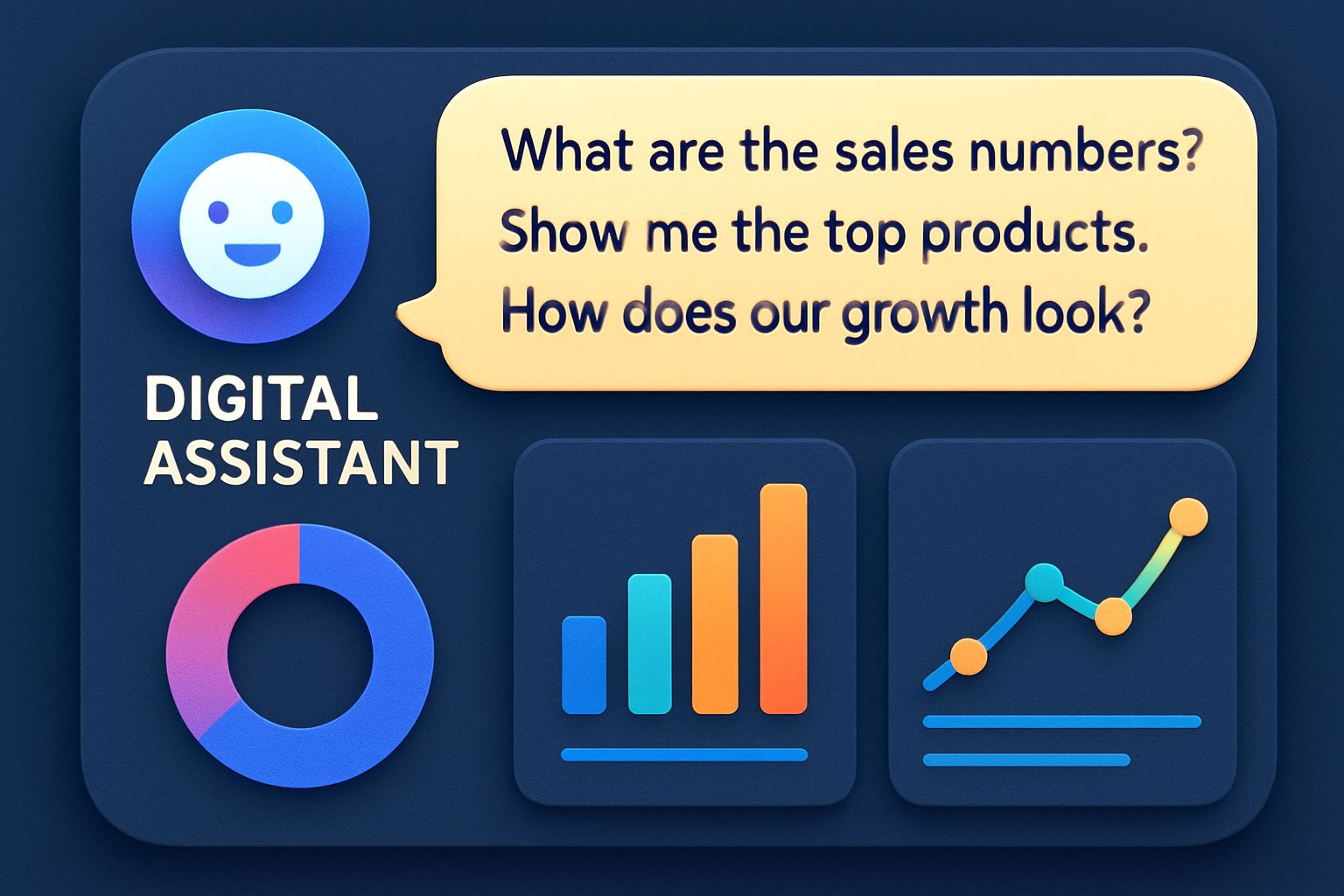
QuickSight Q centers on natural language search over curated Topics. Moreover, it now extends beyond single charts into full generative stories. Users ask conversational questions and receive multi-visual answers, narrative text, and suggested next queries. The March 2025 Scenarios feature adds guided what-if modeling using agentic workflows. Consequently, analysts can test assumptions without exporting raw data to spreadsheets.
Key capabilities include:
- Natural language query converts plain questions into SQL automatically.
- Data visualization rendering selects optimal chart types in context.
- Executive summaries draft slide ready narratives for leadership reporting.
- Scenario simulations explore parameter changes in real time.
Importantly, Q shows interpretation steps, helping authors verify metric definitions. This transparency mitigates hallucination risk while improving trust. Furthermore, Bedrock safeguards block abusive prompts and exclude customer data from model training. These capabilities elevate QuickSight beyond traditional dashboard utilities. Next, licensing nuances determine whether those powers scale economically.
Licensing Roles And Costs
Licensing shifts significantly with generative additions. Standard Reader seats remain $3 per user monthly. However, Reader Pro seats cost $20 and unlock executive summaries and scenario views. Author seats list at $24, while Author Pro recently dropped from $50 to $40. Additionally, activating any Pro feature triggers a $250 account enablement fee. Therefore, finance teams must model total spend across usage patterns. Consider an example with 1,000 Readers, 100 Authors, and 20 Author Pro users. Annual cost exceeds $87,000 before storage or SPICE expansion. Nevertheless, Amazon claims customers like ReCommerce saved $700,000 via license consolidation. Pricing structure shapes Business Intelligence AI ROI calculations. Consequently, value discussions must accompany feature excitement. Our next section highlights tangible benefits supporting that conversation.
Practical Enterprise Benefits Explored
Real enterprises report efficiency gains after adopting Q. Meanwhile, non-technical staff produce insights without SQL or dashboard building. BMW data leads said conversational access trimmed weekly reporting cycles by 30%. Moreover, Amazon cites billion-row SPICE performance delivering sub-second data visualization updates.
Business value often appears in four areas:
- Faster hypothesis testing through scenario modeling.
- Consistent executive messaging via automated stories.
- Reduced license overlap with the centralized platform.
- Embedded analytics for external customer portals.
These advantages materialize when semantic Topics are well curated. Consequently, governance and taxonomy work remain vital precursors. Business Intelligence AI shines only when questions align with available definitions. The next section explores associated risks and controls.
Risks And Governance Considerations
Generative systems still hallucinate under ambiguous prompts. Therefore, AWS advises human review of every narrative before executive circulation. Row-level security and column masking must also guard sensitive data. In contrast, region availability gaps may complicate global rollouts. Natural language models can misinterpret domain jargon without curated Topics. Faulty reporting, therefore, remains a material governance concern. Additionally, Pro licensing can activate unknowingly when users explore certain features. Audit logs and CloudTrail should monitor such events for cost control. Governance plans must include validation tests for data visualization accuracy. Nevertheless, strong controls can mitigate most risks. Having covered constraints, we now compare competing offerings.
Competitive Landscape Analysis Overview
Microsoft Power BI adds Copilot features within the Fabric service. Google Looker partners with Duet AI for conversational querying. ThoughtSpot remains search-first and embeds AI-driven dashboard suggestions. Salesforce Tableau integrates Einstein for narrative reporting across Slack. However, Amazon leverages Bedrock and serverless SPICE to differentiate scale. Analysts at dotData note QuickSight's cloud native design reduces management overhead. Consequently, Business Intelligence AI buyers should weigh ecosystem alignment and licensing complexity. No single platform dominates yet; competitive parity shifts monthly. These market observations set the context for the implementation guidance next.
Implementation Best Practice Guide
Start with a narrow Topic linked to critical metrics. Subsequently, validate natural language interpretations against known SQL outputs. Limit initial Author Pro seats to champions who can refine semantic mappings. Moreover, embed generated data visualization elements into the current dashboard to build familiarity. Establish a reporting checklist ensuring narratives cite sources and confidence levels. Meanwhile, monitor spending weekly through QuickSight's cost exploration console. Professionals can boost skills through the AI+ UX Designer™ certification. Consequently, teams build both technical and design literacy for successful Business Intelligence AI rollouts. These practices accelerate value while containing risk. Finally, we summarize key insights below.
QuickSight Q highlights how Business Intelligence AI moves from static artifacts to living conversations. Features like scenarios, narratives, and automatic data visualization shorten insight cycles dramatically. However, financial planning, governance, and user training decide eventual success. Organizations embracing Business Intelligence AI must balance excitement with disciplined controls. Moreover, cloud vendor competition ensures relentless innovation and occasional pricing shifts. Teams that iterate quickly, validate outputs, and cross-skill designers will extract lasting value. Therefore, investing now in people, process, and certifications positions enterprises for next-generation Business Intelligence AI dominance. Start small, learn fast, and scale responsibly.


