

AI CERTS
2 months ago
AI UX & Google’s Personal Intelligence: Opt-In Search Revolution
Consequently, tailored answers promise greater convenience than generic chatbots ever delivered. Nevertheless, privacy critics warn that merging inboxes, photos, and history may unleash risky “data bleed.” This piece dissects the rollout, mechanics, opportunities, and looming gaps for design leaders evaluating the shift. Along the way, we explore safeguards, setup tips, and essential skills for navigating emerging personal assistants. Prepare for a practical, evidence-driven tour.
Personal Intelligence Rollout Overview
Gemini gained Personal Intelligence as a U.S. beta for AI Pro and Ultra subscribers on January 14. Google launched the feature on web, Android, and iOS simultaneously. Moreover, on January 22, AI Mode in Search adopted the same personalization layer. Early reviewers praised the smoother AI UX compared with earlier Search experiments. Eligibility remains limited to personal accounts; Workspace, business, and education profiles must wait.
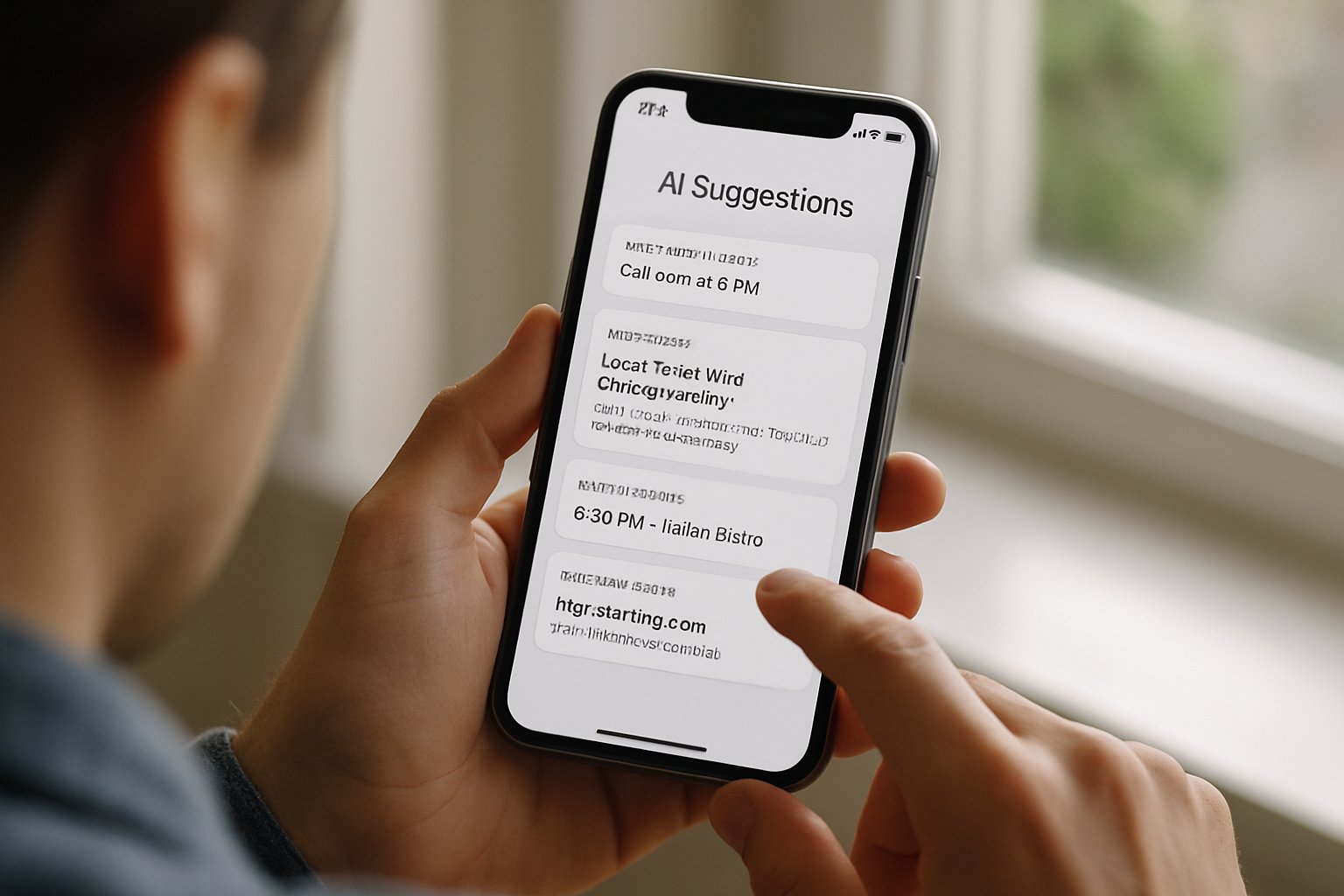
Connections to Gmail, Photos, and other apps arrive through a dedicated Connected Apps panel. However, all toggles default to off to enforce an Opt-in model. Company insists that user content never directly trains Gemini’s core models, reducing potential misuse.
These milestones illustrate a fast, consumer-first deployment. Still, understanding the permission flow clarifies whether the promise outweighs the risk. Therefore, the next section details the consent mechanics. Subscriber counts remain undisclosed, yet analysts estimate hundreds of thousands joined premium tiers last quarter.
How Opt-In Works
During setup, Gemini offers a brief tour describing benefits and safeguards. In contrast, the screen stops short of aggressive nudging. Subsequently, users pick individual Google apps to share or skip. Each choice controls a scoped OAuth permission similar to third-party add-ons.
Moreover, the panel shows a regenerate toggle that strips personalized context from the next answer. Temporary chats also disable storage, offering ephemeral experimentation. Consequently, design resembles GDPR principles of consent, withdrawal, and minimal data collection. Meanwhile, each toggle displays a concise explanation and a direct link to data-deletion settings.
In short, the Opt-in flow favors clarity over complexity. However, privacy depends on more than menus. Next, we inspect deeper tradeoffs for AI UX.
AI UX Privacy Tradeoffs
Personalized assistants thrive on context yet context is precisely what can betray us. Therefore, experts fear data bleed, where intimate facts surface within unrelated Search responses. Miranda Bogen of CDT highlights the difficulty of predicting every sensitive crossing. Additionally, mis-personalization can occur when Gemini infers interests from sparse evidence, leading to false assumptions.
Leading Expert Privacy Concerns
Bogen warns that users cannot preview every intermediate representation built by Gemini. Consequently, oversight remains partial and reactive. Security researchers also flag prompt-injection attacks that might expose connected Gmail snippets. Company statements claim it applies prompt sanitization and encrypted transport yet external audits remain pending.
Nevertheless, early testers report no cross-user leaks after two weeks. That evidence remains anecdotal and insufficient for enterprise deployment decisions. These privacy unknowns demand vigilant configuration and periodic review. Meanwhile, design teams should master the hands-on setup before forming final opinions. Robust AI UX governance must therefore accompany expanded data access. In contrast, legal scholars debate whether derivative embeddings constitute new personal data under evolving state statutes. Highly personalized replies could inadvertently influence health or finance decisions, amplifying accountability pressures.
Practical Opt-In Setup Guide
First, verify you subscribe to AI Pro or Ultra and use a personal account. Next, open Gemini, tap Settings, then Personal Intelligence. Choose Connected Apps and enable Gmail, Photos, or History individually. Alternatively, in Search AI Mode, visit Profile then Search personalization to mirror selections.
Consider limiting the initial scope. For example, allow Photos during vacation planning yet leave Gmail disconnected. Furthermore, revisit the dashboard weekly to review logs and disconnect unused feeds. Remember, the Opt-in decision can be reversed instantly without losing historical chats.
Some quick controls to remember:
- Regenerate without personalization for sensitive requests.
- Start a temporary chat when testing risky prompts.
- Delete session history from the side panel.
Following these steps ensures informed participation. Consequently, the discussion now shifts to revenue implications. Consistent AI UX cues, like presence indicators, remind users when personalization influences output.
Business And Monetization Questions
Personalized experiences often precede targeted ads, yet the assistant currently shows none. Industry analysts suspect that context-aware shopping links may appear once safeguards mature. In contrast, company executives have promised an ad-free trial period.
Revenue may instead come from upselling AI Ultra tiers. Moreover, deeper personalization could raise subscription retention metrics, offsetting ad absence. Nevertheless, regulators will scrutinize any pivot that leverages private mail for commerce. Therefore, product teams should track policy developments alongside roadmap planning.
The business model remains fluid. Next, we examine skills designers need to craft safe, effective AI UX flows. Investors are already questioning whether premium AI UX alone can justify subscription margins. If commercial features emerge, contextual Search outputs might prioritize sponsored merchants by user location.
Skills And Certification Path
Building trustworthy AI UX requires cross-disciplinary proficiency in privacy design, multimodal retrieval, and human-centered evaluation. Furthermore, practitioners should master consent architecture and dark-pattern avoidance. Professionals can enhance their expertise with the AI+ UX Designer™ certification. Additionally, case studies from early Personal Intelligence rollouts offer practical heuristics.
- Contextual retrieval mapping
- Granular consent microcopy
- Bias and hallucination testing
- Adaptive error messaging
Subsequently, certified designers can audit prompts, align models, and advocate responsible defaults. These competencies future-proof careers amid rapidly evolving personal assistants. In summary, structured learning accelerates mastery. Finally, we conclude with strategic takeaways for decision makers.
Personal Intelligence marks a pivotal convergence of context, consent, and capability. Consequently, early adopters must weigh productivity against exposure. Designers who master AI UX will craft safer, more intuitive assistants. Meanwhile, executives should track regulation, monetization signals, and real-world outcomes before scaling. Additionally, periodic audits and limited connections can reduce residual risk. Professionals ready to lead the shift can review Gemini settings and pursue the linked AI+ UX Designer™ program.


